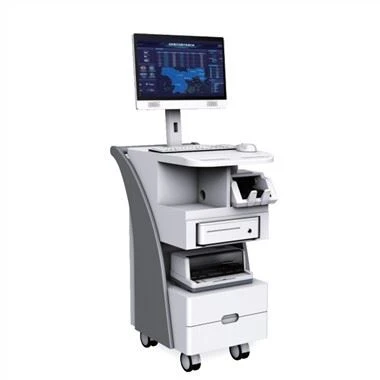
הוראת מולטימדיה הכל-ב-מכונה משלבת טכנולוגיות מרובות כגון טכנולוגיית מגע אינפרא אדום, תוכנת הוראה משרדית חכמה, טכנולוגיית תקשורת מולטימדיה ברשת וטכנולוגיית תצוגה שטוחה-גבוהה. כיצד להשתמש בהוראה הכל-ב-מכונה אחת בצורה נכונה, העורך הבא ייקח אותך להבין.
מכונת לימוד
1. First of all, you should first press the power button on the lower right side of the teaching all-in-one machine to realize simultaneous computer projection.
2. After the teaching touch machine is successfully turned on, normal teaching work can be carried out.
3. In use, you only need to use the icon or menu position touched by your finger to locate and select information input.
4. It needs to be closed after use. After closing, you need to press the power button on the lower right side of the teaching touch sensor unit to synchronize the computer projection.
5. In addition to the power button, you can also shut down the computer through the computer system shutdown program. After turning off the computer, the projector will automatically shut down after it has sufficiently cooled down.
6. After completing all the above steps, the teacher can close the blackboard.